
Send parcels with a clear, simple app.
Aarpick is for anyone who needs a pickup dropped off: save addresses, create a delivery in a few steps, then track status and notifications until it’s done.
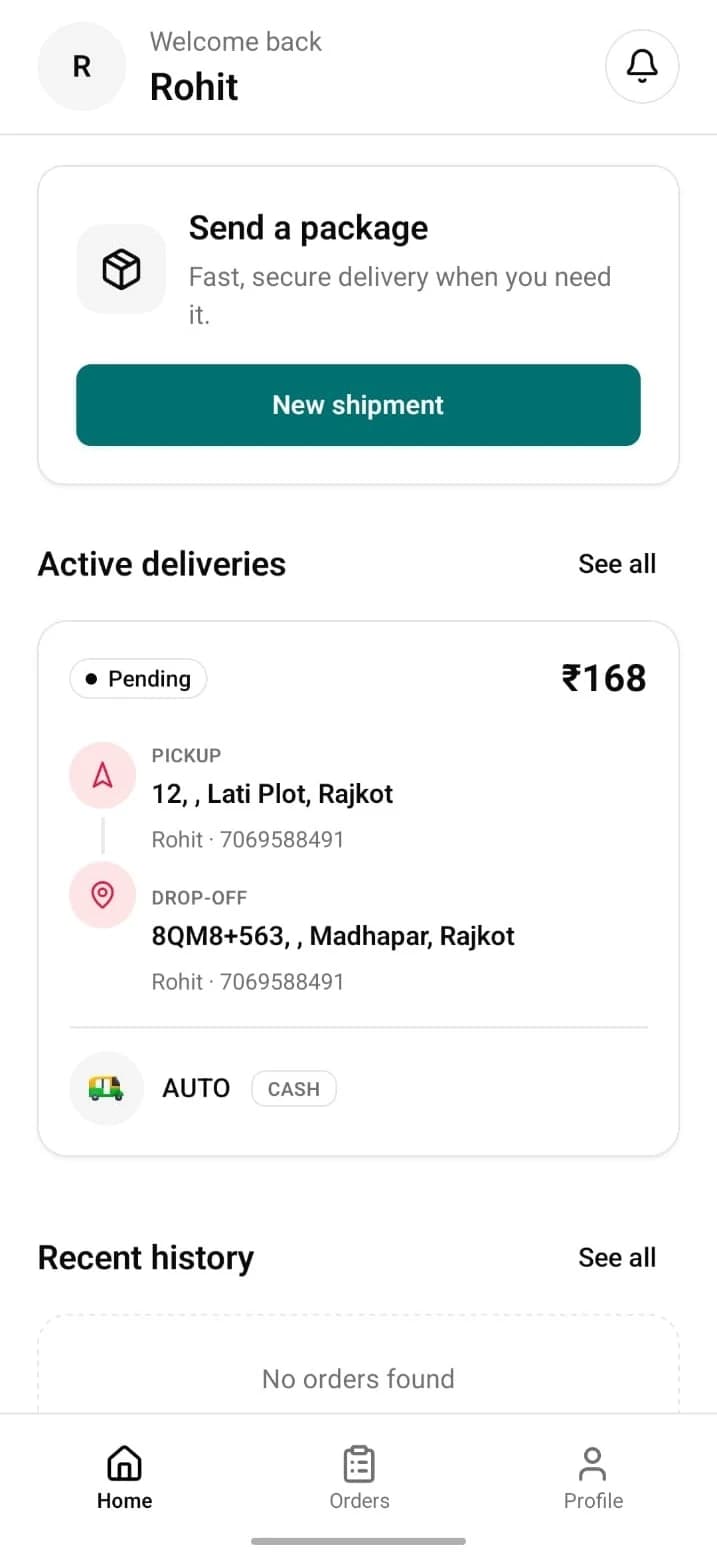
How it works
From install to tracking—no jargon.
- 1
Download
Get Aarpick from Google Play (or the App Store when available).
- 2
Sign in
Verify with your phone—quick OTP sign-in.
- 3
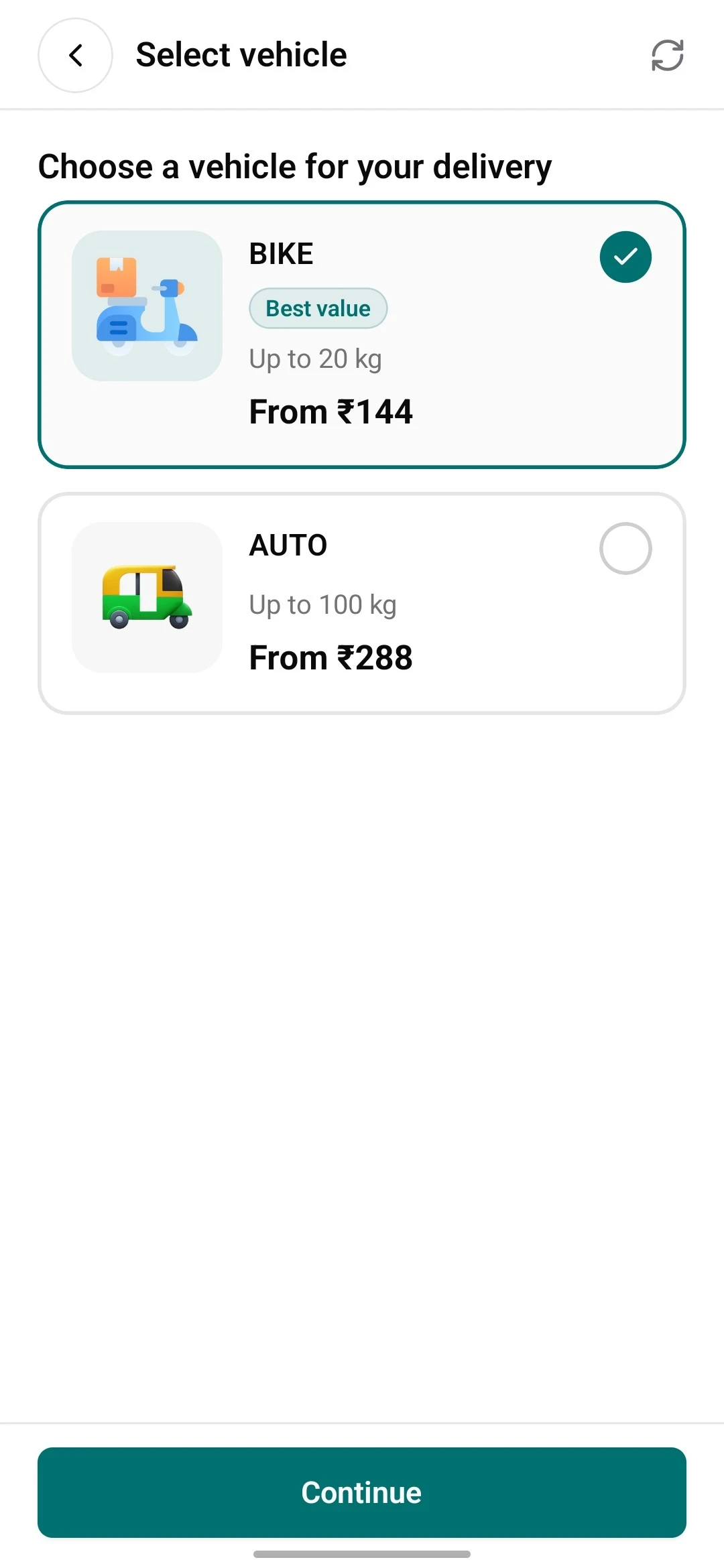
Create a delivery
Choose pickup and drop-off, vehicle where needed, then confirm.
- 4
Track
Watch status on the home list and order detail; notifications keep you posted.
Everything you need to move a parcel
The customer app is built around one job—get something from A to B without guesswork.
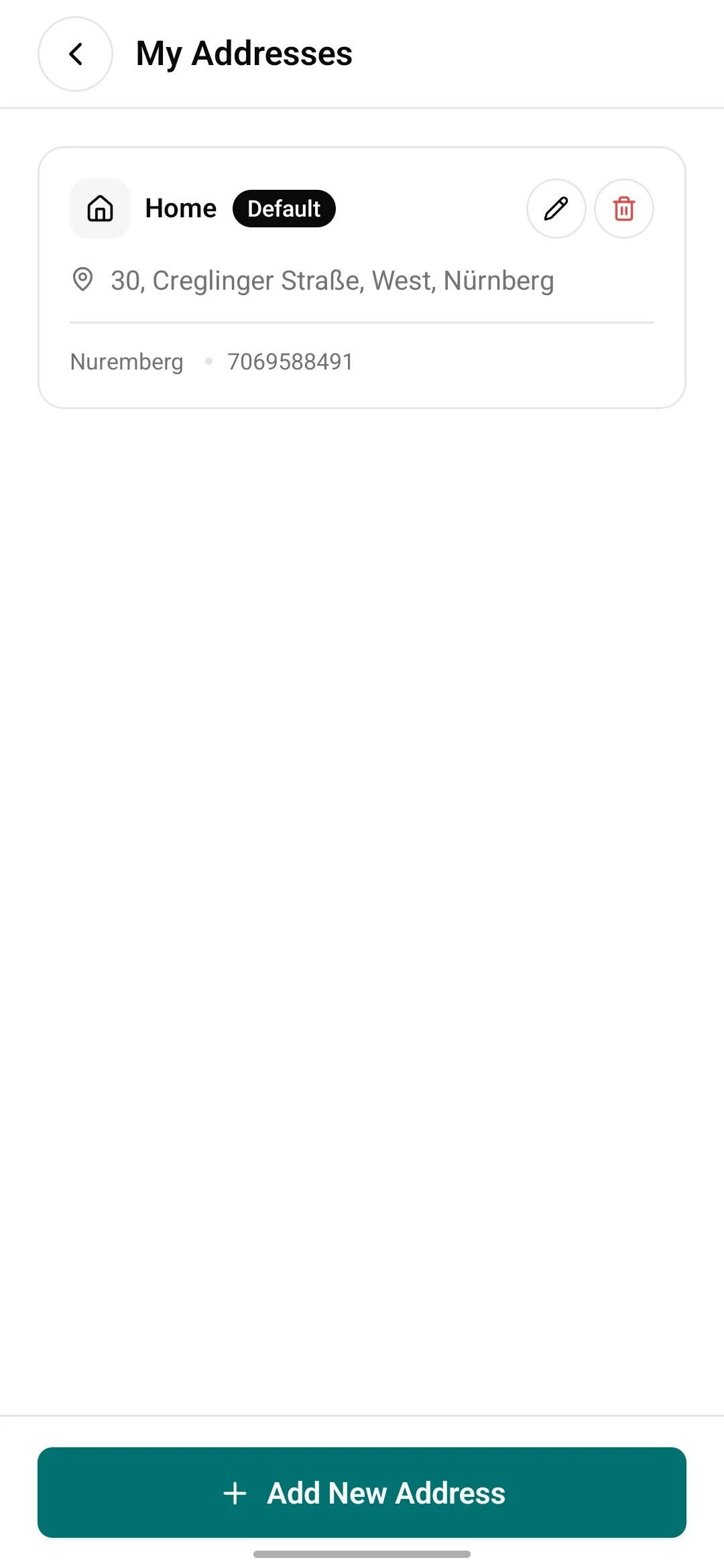
Addresses that stay on file
Save pickup and drop-off locations so the next booking is faster. Use them whenever you send again.
- Add and manage saved places from the app.
- Reuse them when you create a new delivery.
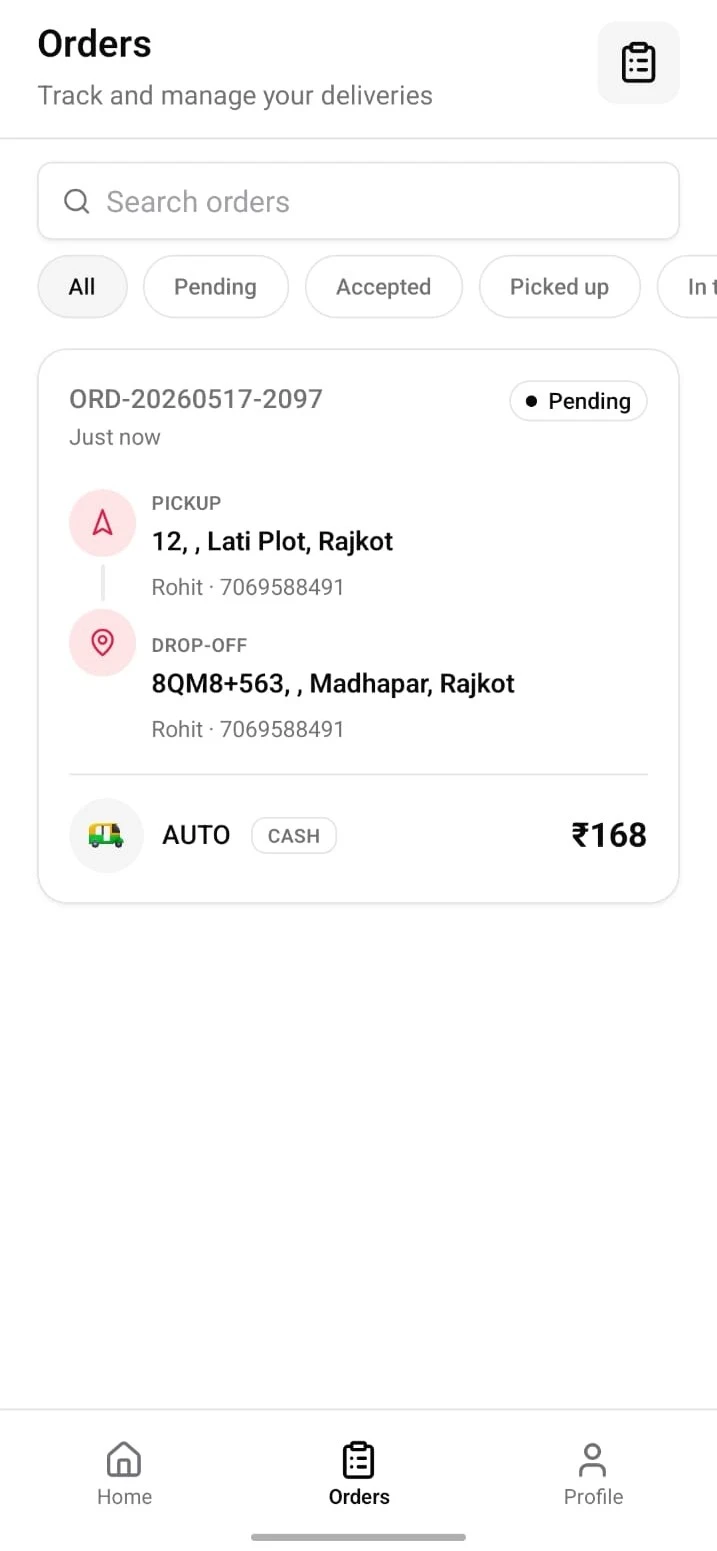
Tracking on the order screen
Open an order to see its progress and context—so you’re not left wondering what happened.
- Follow milestones as the job moves forward.
- Designed to read quickly on your phone.
What the app does
Straightforward tools built for booking and following deliveries—not a long menu of extras.
The flow in the app
Same path you’ll use after you install.
- 1
Book
Fill pickup, drop-off, and options, then submit your request.
- 2
Wait & watch
Stay on the order as it’s picked up, carried, and completed.
- 3
Done
Finished jobs stay in your history for reference.
Drive with Aarpick where we’re hiring. Accept work, go online when you’re available, and handle payouts in the driver app when your program uses them.
Regions and approvals vary. Install the driver app from the link below when we list it separately—or use your onboarding link from support.
Frequently asked questions
Practical answers before you install.
Send your next parcel with Aarpick
Download the app and book when you’re ready.